Wireless channels
The Wireless Channels page gives an overview off all available channels for the country you are in.
When buying a device, you have to do so for a specific region. It is neither possible nor allowed to buy a device from another region, which also means that you cannot change the region of the device you have bought. Every region has rules about which specific frequencies the device can broadcast. You selected your country within a region to optimize the available frequencies for your country at the beginning in the Startup Wizard. The exception to this rule are the North America and JPN regions. By selecting a specific country, the device is also in compliance with the legal requirements of that country.
There are two ways of visualizing the frequencies:
- Tile form
- List form
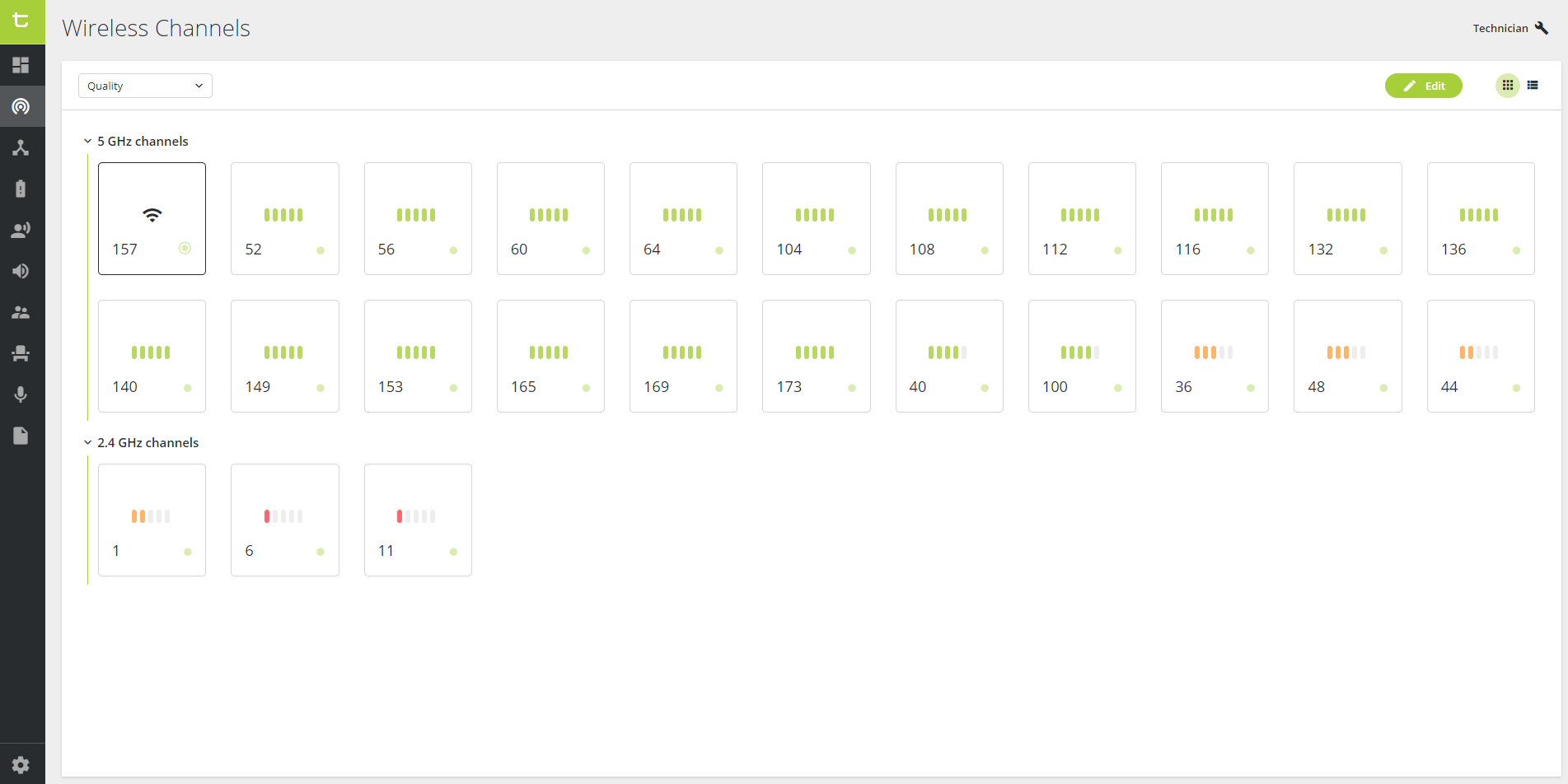
Figure 1-1: Overview of the Wireless channels page in tile form
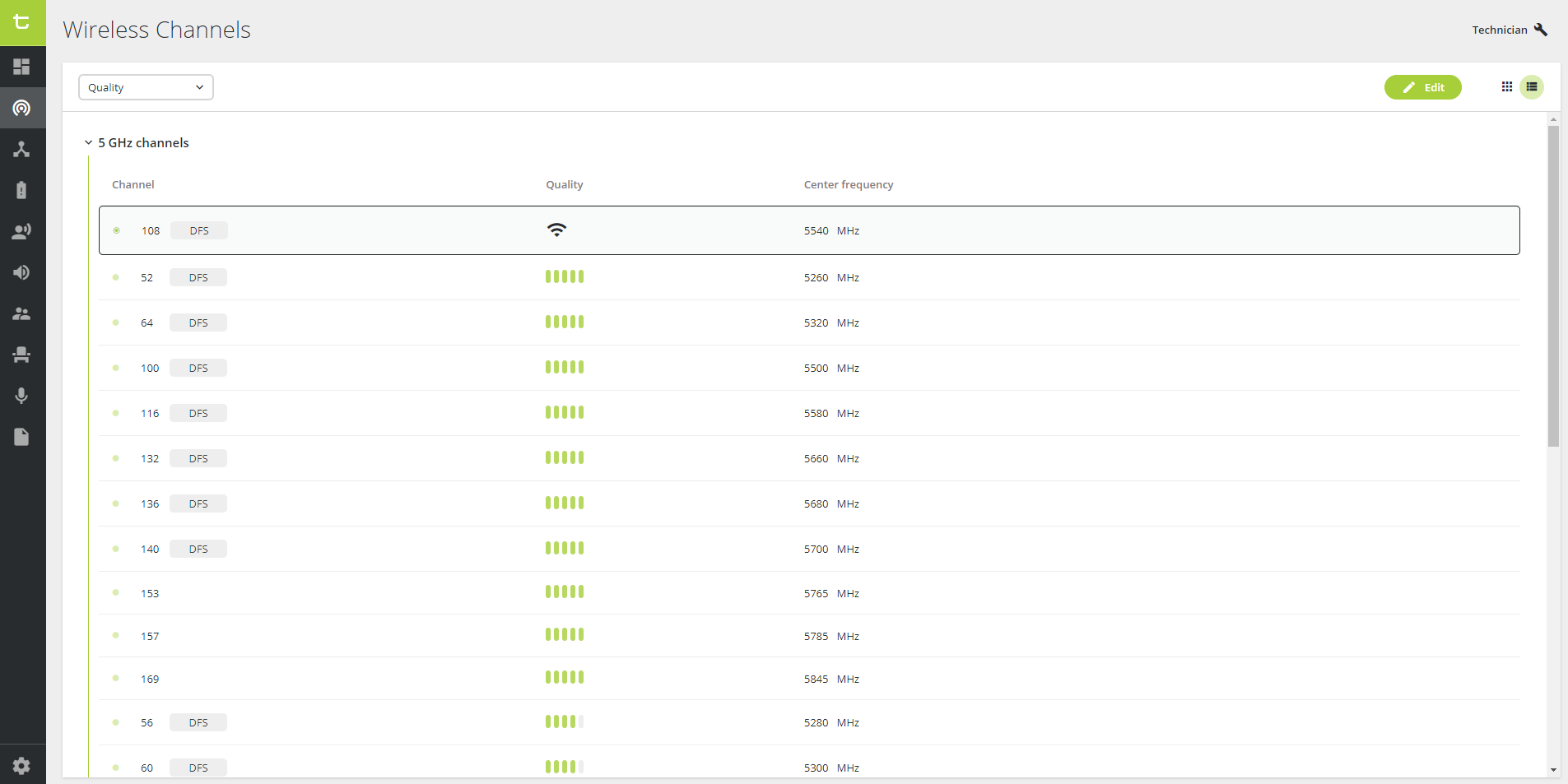
Figure 1-2: Overview of the Wireless channels page in list form
By default, the channels are ordered according to quality. You can also change this so that the channels are in numerical order, from the channel with the lowest number to the channel with the highest number.
To change the order, select the drop-down menu in the top left corner of the page, and select the option you prefer.
Next to some channels, you will see DFS. DFS (Dynamic Frequency Selection) channels can be used by radar. When a DFS channel is in use by radar, it is forbidden to broadcast on it. But when the DFS channel is not in use, you are allowed to broadcast on it. Because they can sometimes not be used, at least one non-DFS channel should be available at all times.
For the tile view, DFS only appears next to the channel when you press the Edit button.
Connection Quality
When choosing a channel to broadcast on, it is recommended to look at how high the chance is at a connection of higher quality. This is indicated by the following icons, ordered from best to worst quality:


It is recommended to choose a channel with four or five green-coloured lines to ensure the best chance of a high-quality connection. When the channel is a DFS channel that is in use by another broadcaster, the icons will be completely gray to indicate that you cannot use it.
The channel with which you are connected is indicated by this icon:  . This also indicates how strong the connection quality is of the current channel you are broadcasting on.